
May 2026 Product Update

This month is about giving you a complete picture: fewer places to look, less jumping between screens, and more control over how your team works in BNDRY every day.
📂 Every document, one place, no more hunting
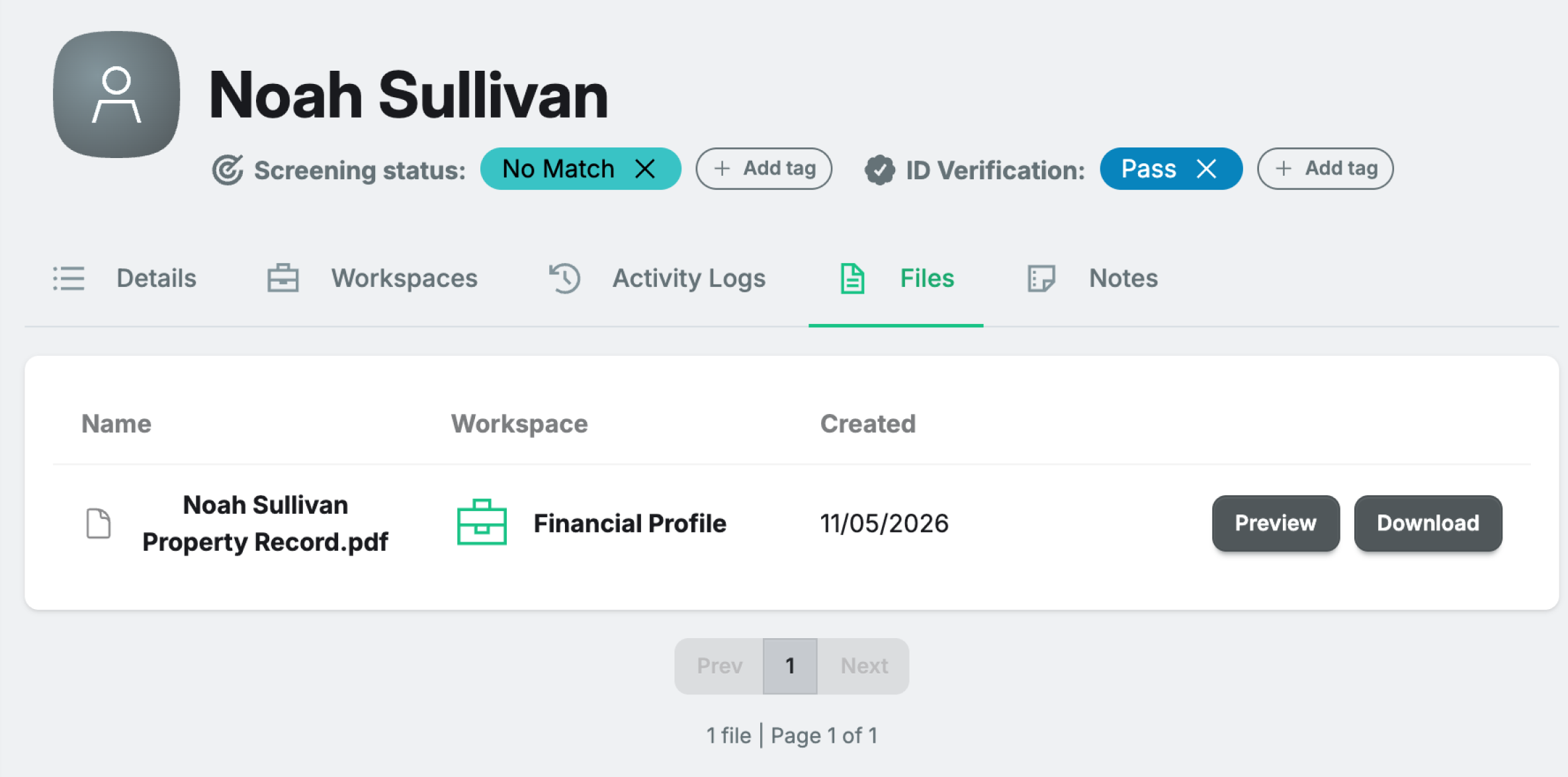
Finding a document uploaded three months ago used to mean digging through individual Workspaces, scrolling the Activity Log, and hoping you remembered which process it was attached to. The Files tab on every Entity profile now pulls everything together. Documents from Workspaces, UARs, ECDD, and custom activities all appear in one list, with a clear label showing where each one came from. One tab, complete picture.
📋 Find all your forms, across all your Workspaces with one easy filter
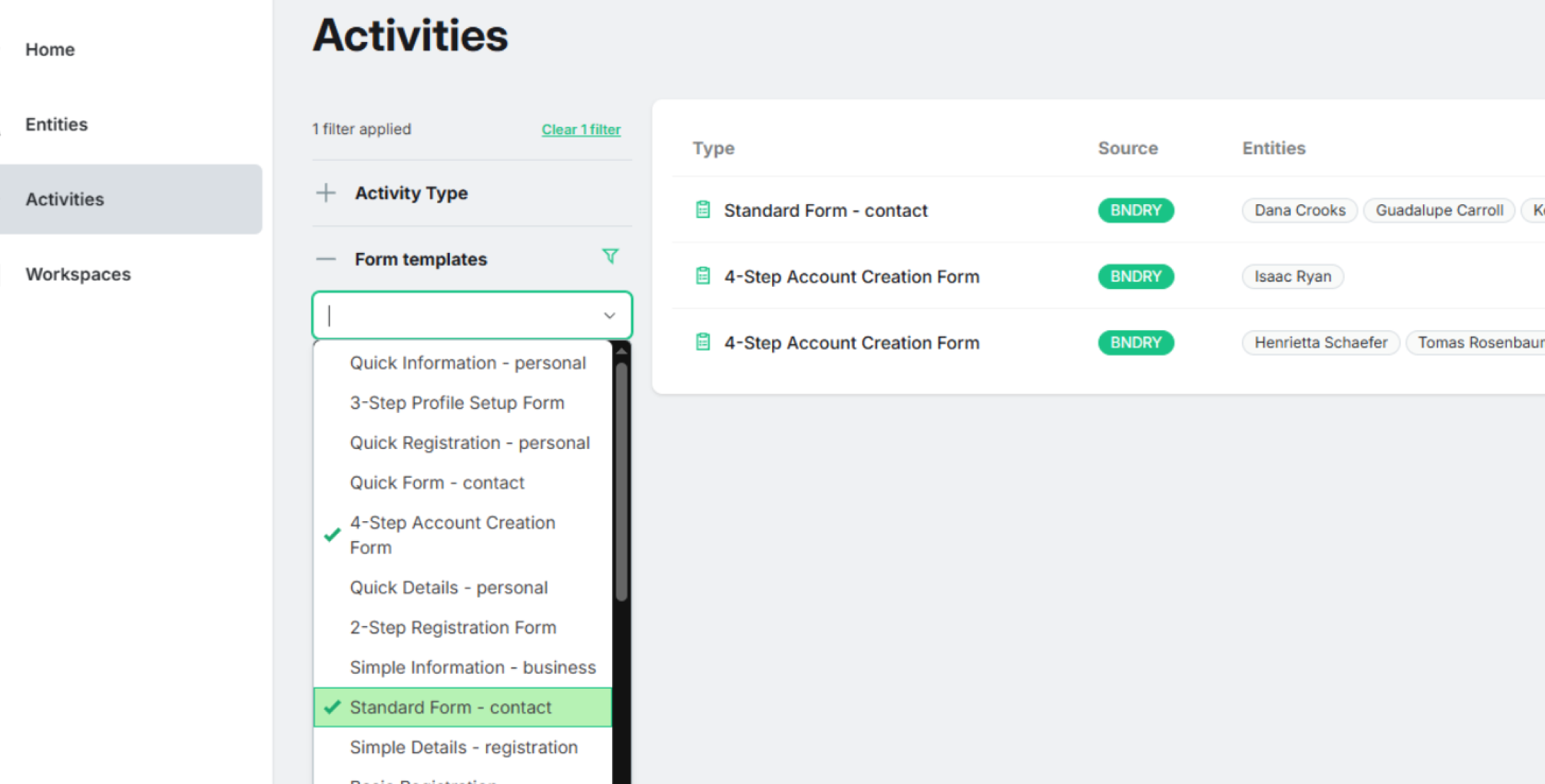
BNDRY Workspaces are great for running end-to-end compliance processes that stitch multiple forms together, like an investigation Workspace that contains both an incident form and an enhanced due diligence form. Previously, finding one of those individual forms later meant remembering which Workspace it lived inside and digging through to get to it. Now, you can filter for Form Templates in Activities, so you can identify the individual forms you've worked on, even when they're inside a Workspace.
⚡ Your most-used Workspace, right where you need it
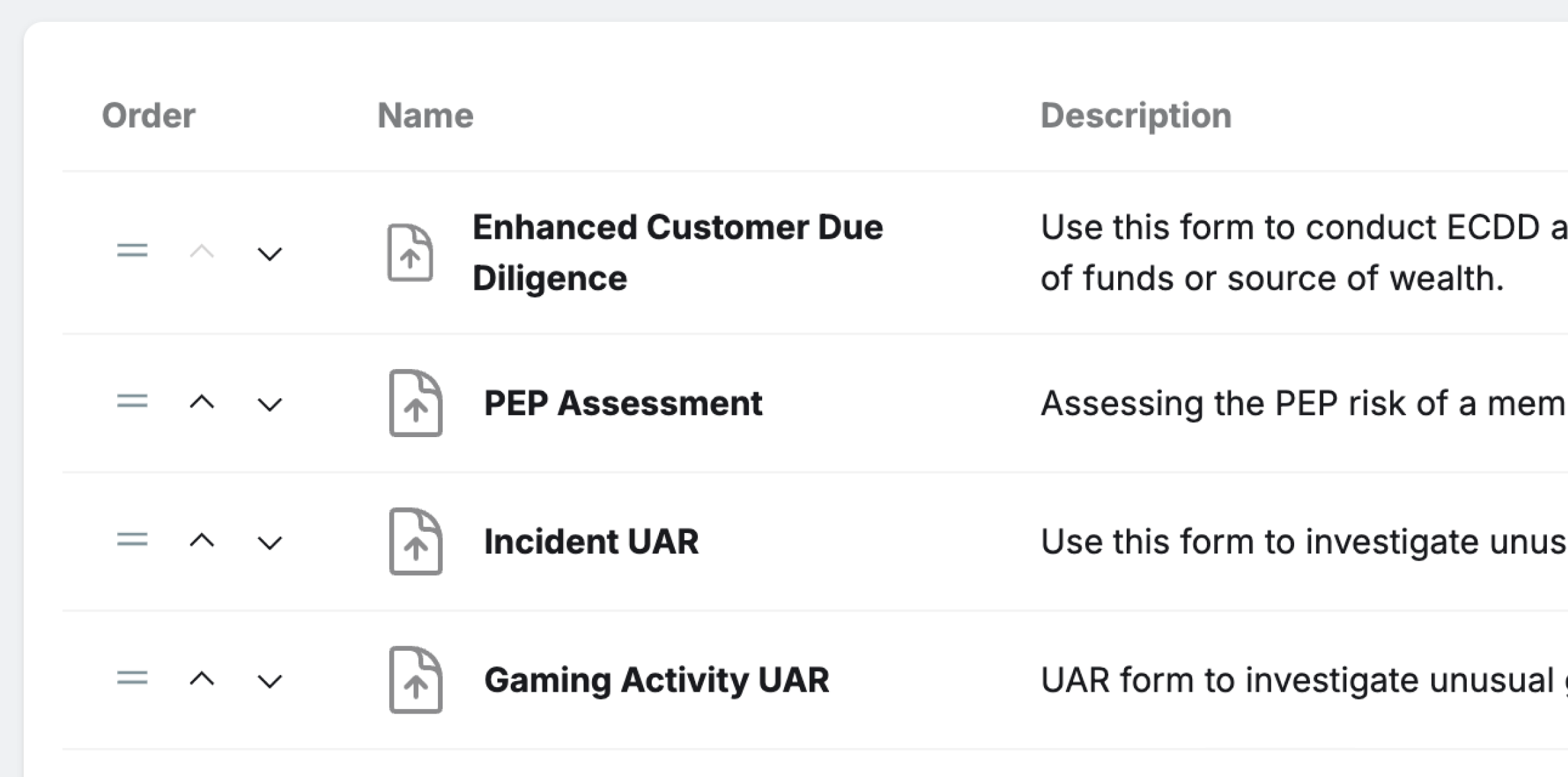
If your team runs 20 ECDDs for every Source of Funds check, ECDD should be the first thing they see when they open a customer profile. Previously, the "What would you like to do today?" section showed the six most recently created templates, which meant your most common process could end up buried behind a "View all" link. Admins can now pin and reorder templates so the Workspaces your team uses every day are front and centre.
🗂 Custom Fields: now with file uploads and repeating groups
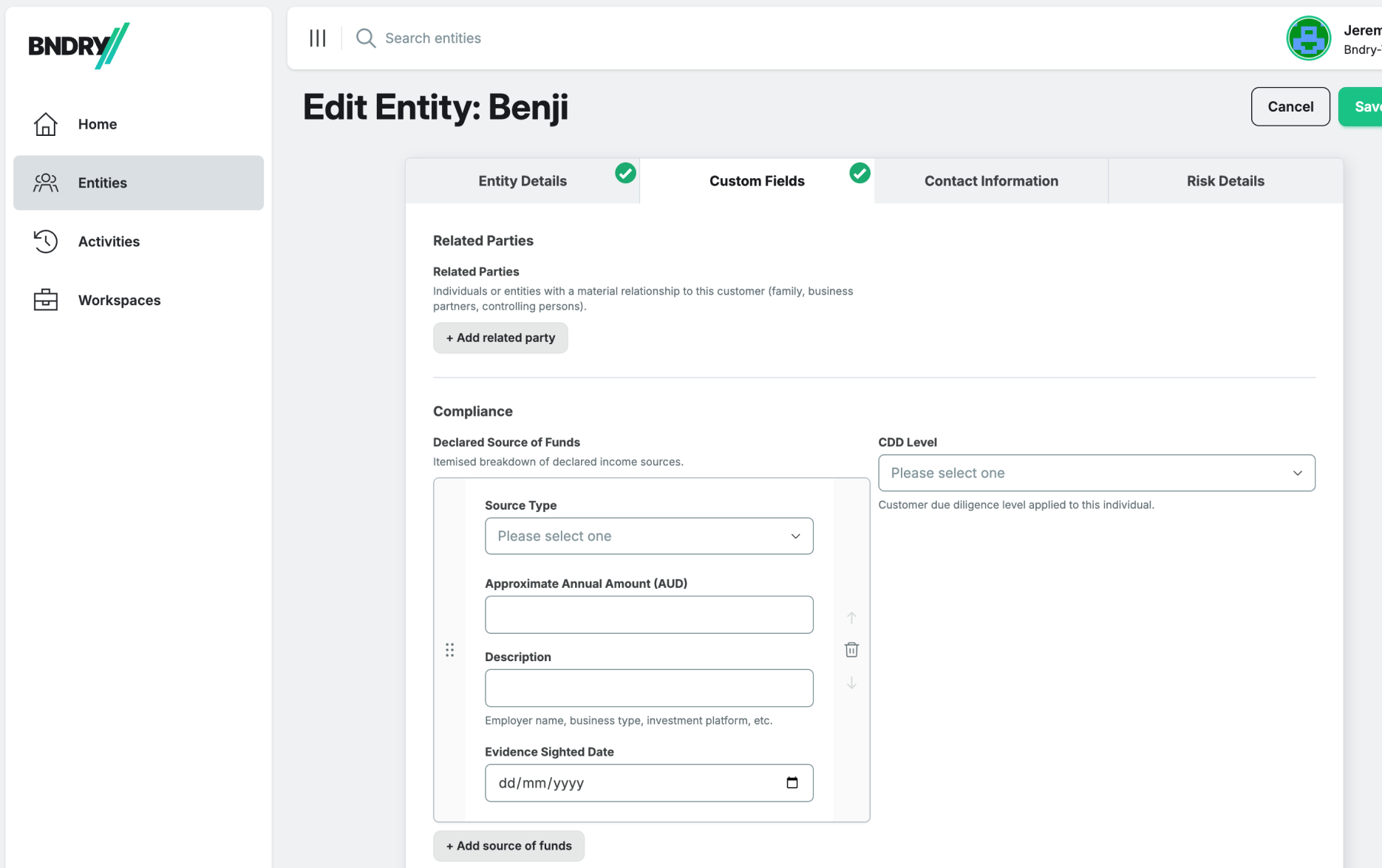
Two things customers have been asking for. First: you can now include file upload fields directly in your Custom Fields schema. Uploaded files appear on the Entity profile and in the Files tab, exactly where you'd expect. Second: group repeaters. If you've defined a group like "Key Contacts" or "Beneficial Owners", you can now add multiple instances of that group rather than being limited to one. Both work via the API. Contact us to extend your tenant's schema.
🗂 Filter and sort on Workspaces to make your work easier to find
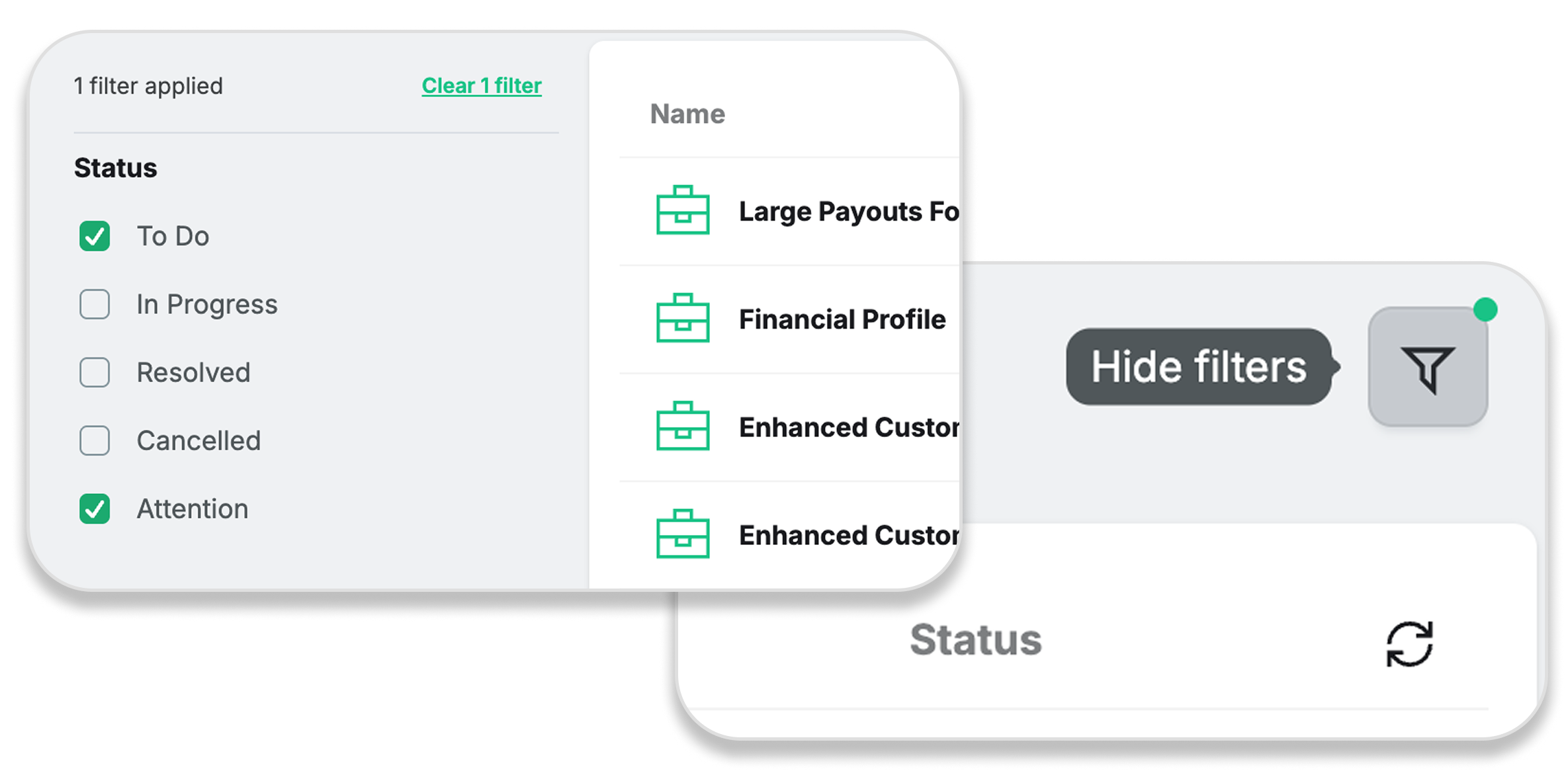
Once your team is running dozens of Workspaces, it can be challenging to find the ones you're looking for. The Workspace List has been upgraded with multi-status filtering, and sorting by status and name. Set filters now persist when you click into a Workspace and back. All views in BNDRY now also have a filter toggle that hides the filter panel and gives the table the full width of the screen when you need it.
This article is intended as general information only and does not constitute legal advice. For specific guidance on your obligations, please consult a qualified legal professional.